
What does office AV management across China require?
A multi-office AV estate needs one operating model that joins workplace technology, IT, information security, facilities, procurement and local support. The model should identify every managed room, the user journeys it must support, the systems that report its health and the people responsible for restoring service.
It must also allow documented local variation where buildings, networks or approved products genuinely differ.
An AV integrator in Shanghai for regional workplace technology can help translate room designs into maintainable standards, but the organisation still needs clear ownership. Decide who approves updates, monitors alerts, manages room accounts, dispatches technicians, holds spares and accepts a room back into service.
These decisions belong in the operating design before the first monitoring dashboard is connected.
Define readiness from the user's point of view
A room is ready when a user can find the booking, join the approved meeting, hear and be heard, see and be seen, share content and obtain help without improvisation. A green device status cannot prove all of those outcomes.
The camera may be obstructed, a cable may be missing or the room account may be signed out while individual components still answer network checks.
Set readiness criteria by room type and business priority. A standard huddle room may need reliable join, sharing and audio. An executive boardroom may also require a scheduled pre-meeting check, tested multi-camera views and standby support.
Sinoway's guide to proactive managed AV services in China explains how monitoring, maintenance and response combine around these user outcomes.
Create one dependable room and asset inventory
Start with a hierarchy that everybody can understand: country, city, office, floor, room and asset. Give each room one stable identifier and use it in room accounts, management portals, service tickets, drawings and labels.
Record model and serial numbers, network identity, warranty, installation date, supported software baseline, configuration location and business owner. An inventory without an update process becomes unreliable almost immediately.
Reconcile the inventory against live discovery and onsite audits. Flag assets that appear in a portal but have no approved room, and rooms whose equipment cannot be found. Retire records when devices move or leave service.
Reliable identity lets a regional team combine several vendor tools without confusing one room with another or assigning a local technician to the wrong floor.
Use platform portals without creating portal silos
Meeting platforms and manufacturers expose different parts of the room. Microsoft can show room application, account and peripheral signals. A camera vendor may offer deeper firmware and hardware data. A control platform can show display power, routing or occupancy.
No single dashboard should be assumed to describe every layer, and connecting more portals is useful only when each has an operational purpose.
Microsoft's current transition guidance for Teams Android device management says inventory, monitoring and management for Teams Rooms on Android, Teams panels, Teams phones and SIP devices began moving from Teams Admin Center to the Teams Rooms Pro Management portal in June 2026.
Regional teams should review this current transition rather than preserve workflows built around an older portal boundary.
Normalise signals into an actionable service view
List the signals that matter to each readiness outcome: room offline, camera unavailable, microphone disconnected, application sign-out, display failure, software drift or repeated restart. Map every signal to a severity, business schedule and owner.
A device going offline during an approved maintenance window may need only a record; the same condition before a board meeting may require immediate local confirmation.
Avoid sending raw alerts from every portal directly to the service desk. Deduplicate related events, suppress expected maintenance and add room context. A useful incident identifies the affected workflow, room priority, current booking, recent change and first diagnostic step. The goal is not the largest alert volume.
It is a small, trustworthy set of events that people can act on.
Choose management tools by responsibility
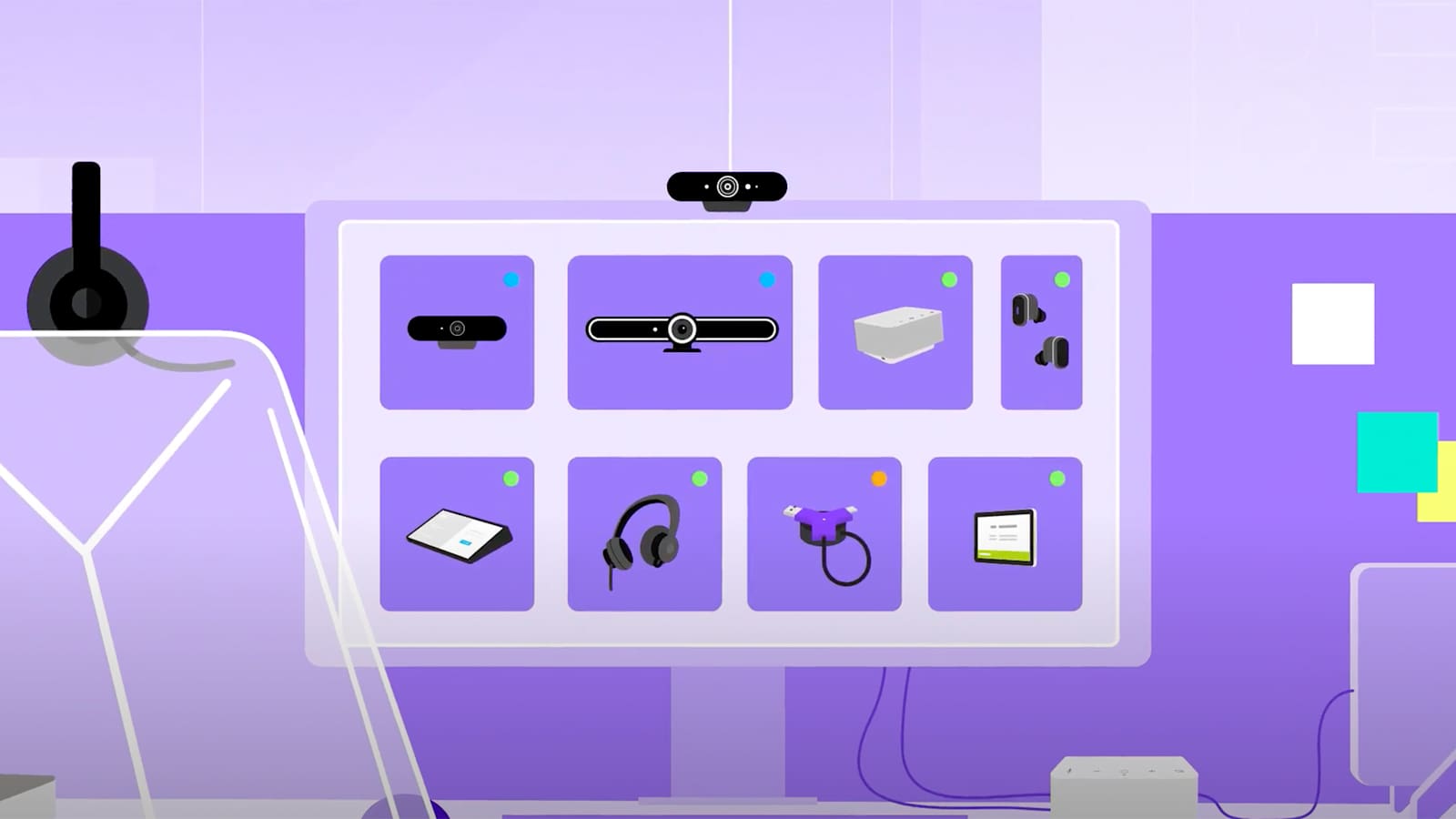
Current tools illustrate why responsibilities need to be explicit. Logitech Sync can monitor and manage supported Logitech video collaboration devices, organise devices by room and schedule firmware updates; some third-party devices are monitored without the same management depth.
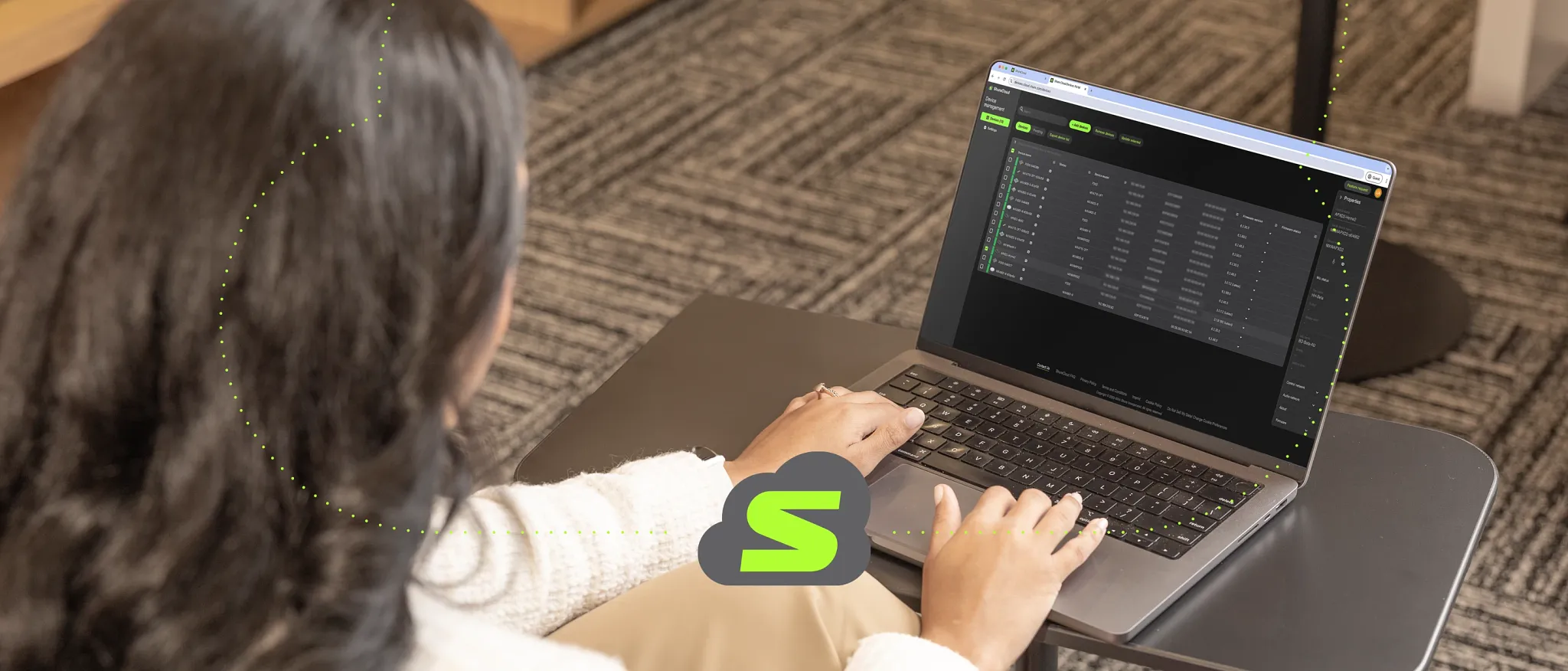
ShureCloud currently provides monitoring, firmware update and software-licence functions for supported Shure devices. Confirm the exact supported models and entitlements before building a process around either platform.
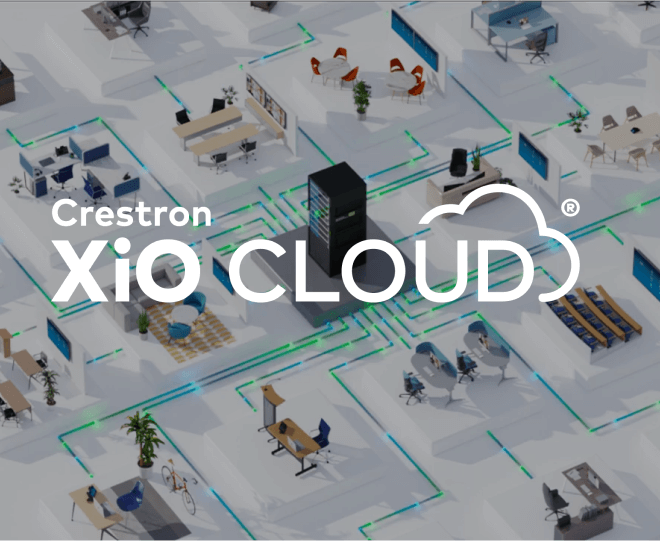
Crestron's current XiO Cloud platform provides deployment, monitoring and management for supported Crestron devices, while XiO Cloud Premium adds functions including third-party device support, room-level monitoring, historical analytics and integrations.
These capabilities can complement the conferencing portal, but naming, access and incident ownership must stay consistent across both environments.
Design monitoring for the China network path
Cloud-management traffic must be validated from the actual corporate network used by each office. Confirm DNS, proxy, firewall, certificate inspection, time services, outbound destinations and any corporate secure-access service with IT and the platform provider.
Test enrolment, regular telemetry, remote actions and update downloads. A successful browser sign-in does not prove that every device service can communicate reliably.
Document data location, identity controls, retained telemetry and administrator access with information security and legal teams. Use approved accounts, multifactor authentication where available, role-based access and prompt offboarding. Do not share one unrestricted supplier login across offices.
An audiovisual company in Shanghai should work within the organisation's security design and provide the technical endpoints and support procedures needed for review.
Govern firmware and applications as releases
A meeting room contains several release streams: operating system, room application, device firmware, drivers, DSP files and control code. They may be distributed by different portals and validated on different schedules.
Maintain one approved baseline for each room pattern, together with known dependencies and the current manufacturer support status. Record the reason for every exception rather than allowing silent version drift.
Use staged rings. Begin with a laboratory or representative pilot room, then low-risk production rooms, broader offices and finally critical spaces. Test join, content sharing, cameras, microphones, loudspeakers, dual displays, room control, guest meetings and recovery after restart.
Sinoway's 2026 meeting-room compute guide for China describes why the platform, hardware and support model must be considered together.
Give every change an owner and a recovery path
Before a rollout, identify who approves the change, who watches deployment, who validates the room and who stops the release if failures appear. Define the maintenance window in each room's local time and protect high-profile bookings.
A global instruction such as update overnight is incomplete when offices span time zones and local business calendars.
Keep supported recovery options. These may include a previous configuration file, documented reprovisioning steps, spare compute, a manual camera view or a temporary laptop-led meeting path. Rollback is not always technically possible for firmware, so the pilot and spare strategy must reflect that risk.
Capture results in the change record and update the known-good baseline only after verification.
Track certification and product lifecycle separately
Certification directories, manufacturer support dates and internal approval are related but different controls. A device may remain installed after a certification listing changes, or a platform feature may require a newer supported combination.
Recheck the exact room system and peripherals before expansion, substitution and major update projects. Do not treat the original procurement approval as permanent evidence.
Maintain a lifecycle status for every standard: current, restricted, refresh planned or retired. Include last-order dates where manufacturers publish them, software support dates, available spares, security exposure and service history.
The regional AV standards guide for China and Asia shows how documented substitution and lifecycle rules keep local projects aligned without freezing the estate in time.
Keep configuration backups usable
Back up DSP, control, camera preset and network configuration after commissioning and after every approved change. Store files in an access-controlled repository with room identity, device model, software version, date and responsible engineer. A folder named final is not a recovery system.
Teams need to know which file is approved and what hardware and firmware it expects.
Test restoration on representative equipment and document any credentials or licences required. Protect secrets separately from general drawings and service notes. When a supplier relationship changes, confirm the organisation retains the files and rights needed to operate its rooms.
Configuration continuity reduces recovery time and prevents small replacements from becoming redesign projects.
Design a practical spare strategy
Spares should reflect business impact, failure history, replacement lead time and the skills available onsite. A universal box of cables is not enough for critical rooms, while keeping one of every asset in every city wastes capital and risks obsolete stock.
Classify components as local room consumables, office spares, regional pool items or supplier-backed replacements.
Store spares where authorised technicians can reach them and record serial numbers, firmware and test dates. Exercise powered spares periodically when appropriate. Standard room patterns increase the value of shared stock because one tested component can restore several spaces.
Review holdings whenever products retire, standards change or incident data reveals a new recurring failure.
Connect central visibility to local action
Remote teams can review status, collect logs, change settings and guide recovery, but many faults remain physical. Cables loosen, microphones move, displays lose power and cameras become obstructed.
Define who can enter each office, how access is arranged, what tools and parts they carry and how they communicate with the regional service desk.
Use tiered response. Local IT or a trained site champion may perform safe checks; an AV technician handles signal, configuration and hardware work; the manufacturer addresses product defects.
Sinoway's guide to camera and microphone coverage in medium and large rooms illustrates why onsite verification remains essential where room geometry and acoustics affect performance.
Measure service quality without rewarding noise
Useful measures include room readiness, failed-start rate, repeat incidents, time to acknowledge, time to restore, software compliance, preventive actions and confirmed user impact. Report by room type, office and business priority.
A low average restoration time can hide a frequently failing room; a high ticket count can reflect good detection rather than poor service. Context makes the number useful.
Review trends with workplace, IT and local business owners. Identify which issues need training, process change, network correction, design improvement or asset replacement. Pair telemetry with user feedback because a technically healthy room can still be confusing.
The principles in Sinoway's simple meeting-room design guide help teams distinguish operational faults from a weak user journey.
Turn operations data into a refresh roadmap
Plan refresh from evidence rather than age alone. Combine support status, certification, security, failure frequency, usage, room criticality and spare availability. A supported older device with stable performance may present less risk than a newer asset that repeatedly disconnects.
Group planned work with lease events, office renovations and wider network or collaboration-platform changes where practical.
Maintain a rolling view of immediate risks, next-budget-cycle replacements and longer-term standards changes. Include design corrections, not only like-for-like hardware. If incidents show that a long boardroom needs better views, revisit the intelligent multi-camera boardroom design principles before buying another copy of the old solution.
A practical first 90 days
In the first month, reconcile the room inventory, identify critical spaces and document current owners, portals, software baselines, spares and recurring incidents. Define readiness for the main room types and select a small set of actionable signals.
Confirm network and access requirements with IT and establish one support channel for employees.
During the next two months, enrol representative rooms, tune alert rules, create update rings and test restoration procedures. Establish local response in each city, validate spare locations and begin a regular service review. Then expand in controlled groups.
Sinoway Technology supports organisations seeking an audiovisual company in Shanghai and China to connect regional governance, technical management and dependable in-country response.