
What does meeting-room compute actually do?
Meeting-room compute runs the native collaboration application, signs in with the room resource account and coordinates the touch console, cameras, microphones, loudspeakers, displays and content sharing. It also carries the organisation's security, update and management policies.
The compute may be a separate Windows device, part of an Android video bar or collaboration board, or a dedicated appliance within a certified room bundle.
Users should experience the same simple actions in every case: see the calendar, join with one touch, share content, control audio and leave the room ready for the next meeting. The engineering choice sits behind that journey.
A Shanghai AV integrator for meeting-room solutions should translate business requirements into a supportable platform rather than ask users to understand the operating system.
Begin with the operating model
First decide who owns the room after handover. Clarify whether workplace technology, IT infrastructure, information security or a managed-service partner will manage accounts, firmware, application releases, alerts and incidents.
A device that appears simple to install can become difficult to operate when responsibilities are divided across regional and local teams.
Map the approved meeting platforms, guest-join needs, room sizes, display layouts, content sources, accessibility expectations and recovery targets. Then define what must be consistent across China and what may vary locally.
Sinoway's guide to regional AV standards across China and Asia explains why performance, ownership and substitution rules should be set before a product list.
When does an Android room make sense?
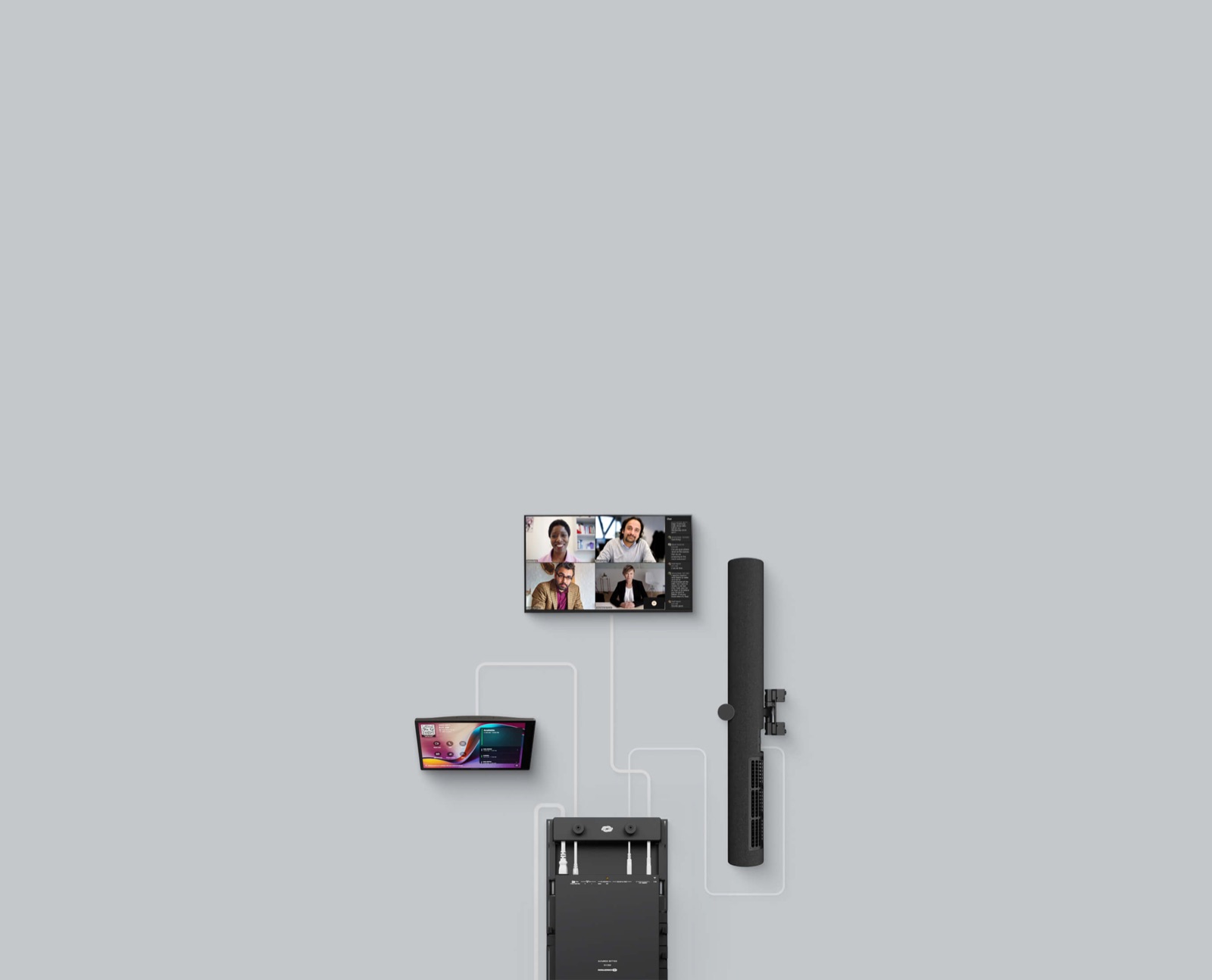
Teams Rooms on Android devices are purpose-built appliances supplied and maintained through an equipment manufacturer. Many combine compute with a video bar or touch display, reducing the number of separate components.
This can suit small and medium rooms where a repeatable camera, audio and display arrangement meets the organisation's needs and the selected model supports the required room configuration.
Do not equate fewer boxes with zero lifecycle work. The manufacturer supplies operating-system and firmware updates for Microsoft certification, and model-specific availability can lag behind a general Teams release. Check the exact Android version, certification end date, support end date, peripheral rules and update channel.
A deployment standard must include the approved firmware path, not only the hardware name printed on the quotation.
When is Windows-based compute the stronger choice?
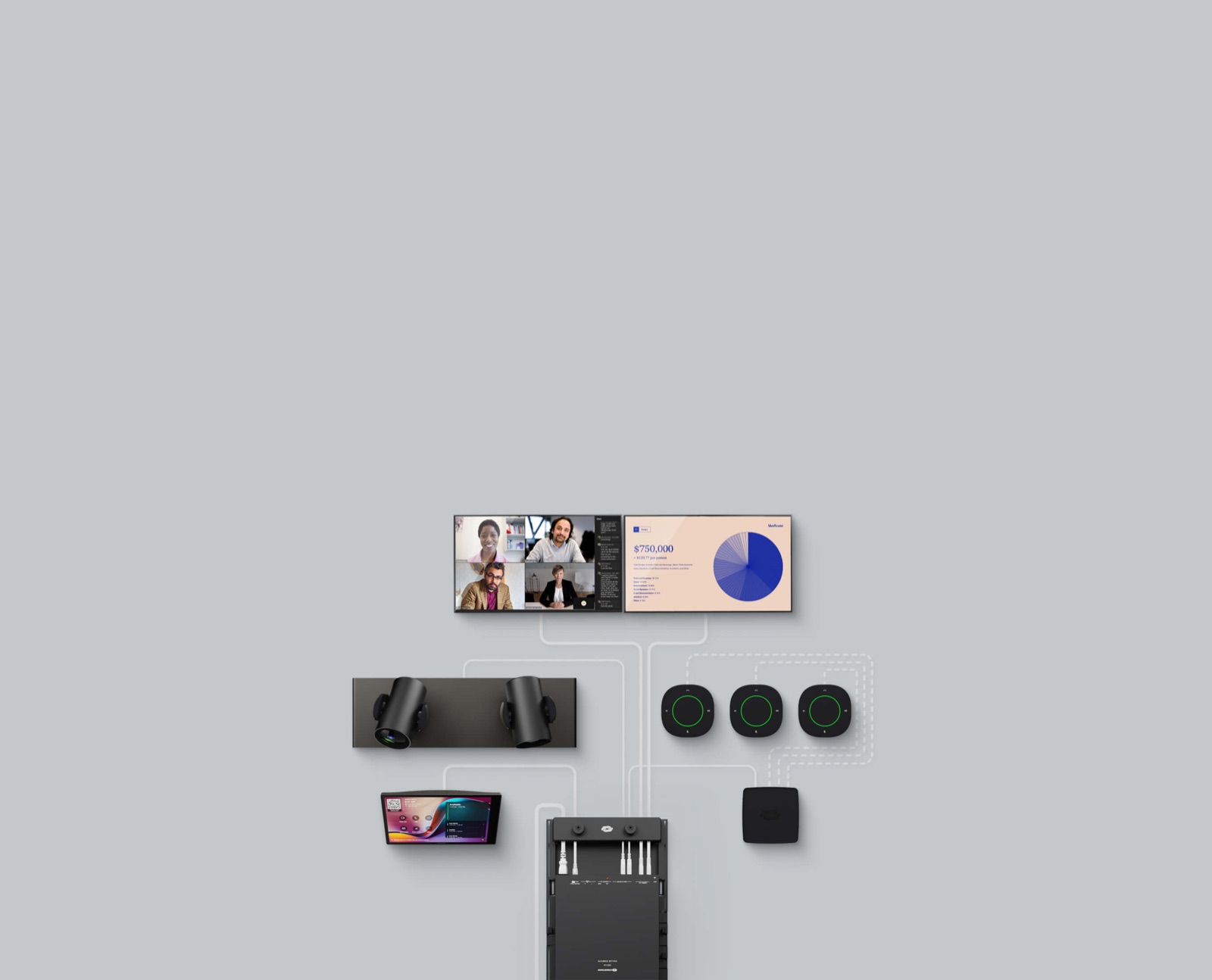
Teams Rooms on Windows can be a stronger foundation when a room needs multiple cameras, professional USB or networked audio, several displays, advanced control or an unusual furniture layout.
Separating compute from the camera and audio layers gives the designer more freedom to combine certified room systems and peripherals, provided the complete signal chain is validated.
That flexibility creates more interfaces to document. The integrator and IT team must coordinate USB topology, display outputs, device drivers, network services, power recovery, mounting, ventilation and cable access.
Windows-based compute is not automatically better for a large room; it is useful when the room requirements justify its integration options and the support team can maintain the whole system.
Compare current features, not platform stereotypes
Microsoft says core Teams Rooms functions are available across Windows and Android, including one-touch join, audio, video and inclusive meeting features. Its current Teams Rooms feature comparison for Windows and Android also shows meaningful differences.
For example, Windows currently supports Miracast, coordinated meetings, third-party room control and a 21:9 front-of-room format, while those items are not listed as available on Android.
The matrix changes as Microsoft and manufacturers release software. A feature that is absent today may arrive later, and an application-level feature may still depend on the chosen hardware. Capture the required features in the design brief, verify them against the current matrix and confirm support with the manufacturer.
Never select an operating system because of an old comparison slide.
Certification is a checkpoint, not a lifetime promise
Microsoft's certification programme tests room systems and peripherals against hardware design and performance requirements. The directory also makes clear that certification does not evaluate every feature or cloud environment.
Treat the exact certified combination—compute, console and applicable peripherals—as the baseline, then separately confirm tenant, licence, regional cloud and workflow requirements.
Recheck certification before purchase, at commissioning and before a major substitution. Record model numbers, firmware, application versions and approved connections in the handover pack.
An AV integrator in China should also identify end-of-service entries and Android support dates so procurement does not repeat a design whose lifecycle is already too short for the rollout plan.
Where Crestron Collab Compute fits
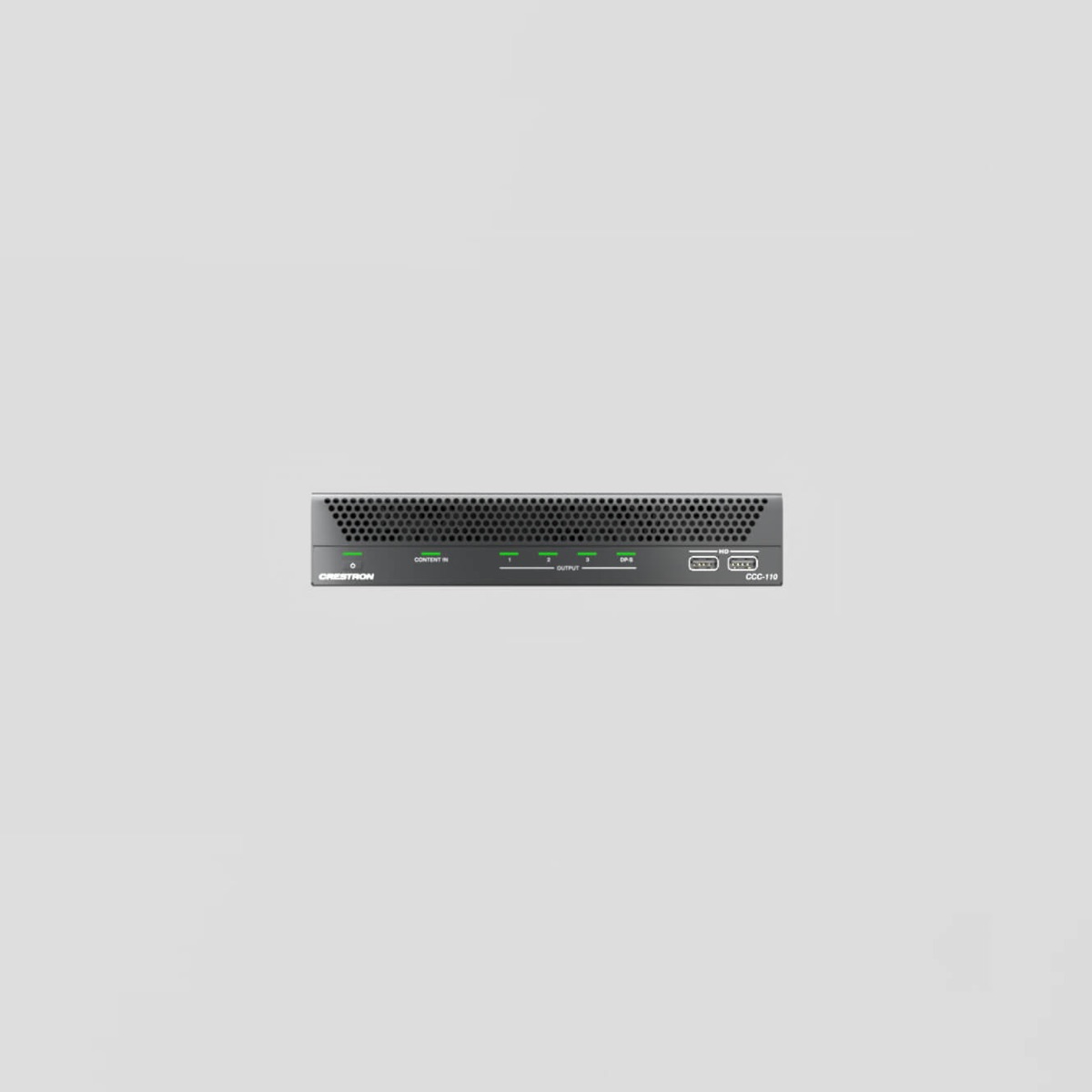
Crestron's current Collab Compute platform is a Windows-based foundation for native Microsoft Teams Rooms and Zoom Rooms deployments. Crestron describes professional I/O, multiple-display support, peripheral connections, BYOD presentation and conferencing, XiO Cloud management and integration with Crestron Control.
The current CCC-110 and CCC-120 use Intel Core Ultra processors with integrated neural processing units and 32 GB of memory.
That capability matters when the room must connect professional cameras, microphones, loudspeakers, displays, content and environmental control as one operated space. It does not remove the need to design those layers.
The selected compute, touch console, platform licence and peripherals must form a supported combination, and the room still requires commissioning, monitoring, documentation and a recovery plan.
Select capacity for the whole room
Compute selection should follow the complete room architecture. Count front-of-room displays, local content inputs, cameras, audio paths, USB devices and control integrations.
Consider whether speaker tracking, intelligent framing or AI-assisted features run in a peripheral, in the room application, in the cloud or across several layers. Each dependency affects processing, network traffic, update coordination and fault finding.
For executive boardrooms and town halls, relate the compute choice to the camera and audio strategy. Sinoway's guides to intelligent multi-camera boardrooms and camera and microphone coverage for medium and large rooms explain why useful views depend on room geometry, microphone data and careful switching rules.
More capable compute cannot correct poor sightlines or unstable audio-zone information.
Design a dependable content-sharing path
Define how employees and guests present. Native HDMI ingest, wireless sharing and USB-C BYOD can coexist, but each path needs a clear user instruction and tested signal chain. Confirm supported resolutions, audio behaviour, content protection requirements and what happens when the room is not in a call.
Avoid adding connection choices that look identical but behave differently.
If laptop-led meetings are required, specify whether users can access the room camera, microphone and loudspeaker from their own conferencing application. Test approved laptops, adapters and cable lengths.
Sinoway's BYOD huddle-room design guide for China covers the USB, charging, display and support questions that remain relevant when BYOD is an additional mode in a native room.
Coordinate security with practical service access
Treat the room as a managed endpoint. Use dedicated resource accounts, least-privilege policies, supported authentication, protected network segments and controlled local access. Decide how installers receive temporary credentials and how those credentials are removed.
Document proxy, firewall, time-service, certificate and update requirements before installation rather than diagnosing them during acceptance testing.
Physical serviceability also matters. Compute should be securely mounted but reachable without dismantling the room. Label connections and retain ventilation clearances. Provide an approved method to restart or recover the system without exposing general desktop access to users.
Security and support are compatible when both are designed into the installation.
Plan updates as a controlled service
Room application releases, operating systems, firmware and cloud features do not always arrive together. Establish a pilot group, maintenance windows and a record of the known-good combination.
Test critical workflows after updates: calendar sign-in, join, content sharing, camera selection, microphone mute, dual displays, guest meetings, room control and monitoring.
Monitor rollout health and keep a defined escalation path across the platform provider, hardware manufacturer and audiovisual company in Shanghai. Sinoway's article on proactive managed AV services in China explains how asset records, actionable alerts and local response turn technical management into dependable room readiness.
Commission with representative users
Acceptance testing should use the organisation's real resource account, tenant policies and approved meeting scenarios. Invite internal and external participants, join from the room calendar, present from common laptops and test every approved camera and audio mode.
Confirm that the interface returns to a predictable home state after each meeting.
Test failure and recovery as well as normal operation. Disconnect a camera, interrupt network access and restart the compute according to the support procedure. Verify that alerts reach the correct team and that the room returns to service without hidden engineering steps.
Record results against agreed criteria, not a general statement that the system powered on.
How should a China rollout standardise compute?
Create a small family of approved room patterns rather than one design forced into every space. A repeatable Android appliance may be appropriate for many small rooms, while larger integrated spaces use Windows-based compute with professional peripherals.
Keep the user journey consistent through naming, calendar behaviour, touch controls and content-sharing instructions even when the underlying architecture changes.
Maintain a bill of materials, approved substitutions, firmware baseline, network checklist, test script, support route and lifecycle date for every pattern. Review local availability before each project phase.
A capable AV integrator in Shanghai can coordinate room design, regional standards and local commissioning while leaving the organisation with records its IT teams can operate.
Choose the simplest architecture that meets the brief
The right decision is not Android versus Windows in isolation. It is the smallest supportable architecture that meets the room's meeting, display, audio, camera, control, security and lifecycle requirements. Android appliances can make repeatable spaces efficient. Windows systems can provide valuable integration headroom.
Both can fail if their certified configuration, update path or operational ownership is unclear.
Write the brief around outcomes, test the exact proposed system and make lifecycle responsibility part of the contract. Sinoway Technology supports organisations seeking an audiovisual company in Shanghai and China to plan, integrate and manage meeting rooms as a dependable portfolio rather than a collection of unrelated devices.