
Key takeaways
- Define room readiness from the user’s perspective, not only device uptime.
- Combine monitoring data with service processes and accountable people.
- Use preventive maintenance and trend analysis to reduce repeat incidents.
- Turn asset and performance data into an evidence-based refresh plan.
How do managed AV services work in Shanghai and China?
Managed AV services in China combine central visibility with people who can act locally. Monitoring and a shared service desk can identify patterns across multiple offices, while Shanghai-based and in-country resources handle physical checks, replacements, meeting support and coordination with building or IT teams.
The service model should define coverage hours, severity levels, remote-access rules, onsite response, spare strategy and the evidence used to close an incident.
For a company comparing an audiovisual company in Shanghai, the important question is not simply whether a platform can show devices online. Ask who reviews alerts, how a failed meeting is restored, what information is retained, how local technicians are dispatched and how recurring problems change future designs.
A capable AV integrator turns operational data into preventive work and lifecycle decisions, making service part of the system rather than an emergency add-on. Organisations can contact Sinoway’s Shanghai AV team to discuss an appropriate coverage model.
What are proactive managed AV services?
Proactive managed audiovisual services are an operating model for keeping meeting rooms, collaboration spaces, training rooms, signage and control environments ready for use. The service combines technology monitoring, scheduled checks, maintenance, incident handling, onsite support, reporting and lifecycle advice.
Its defining feature is that work begins before a user reports a failure. The provider looks for signs of risk and takes action while the business still has time to avoid disruption.
This is different from a maintenance contract that only responds when equipment breaks. Reactive support remains necessary because unexpected issues occur, but it becomes one part of a broader system. Monitoring may show a peripheral disconnecting repeatedly, a display running unusually hot or a room account failing to sign in.
A health check may identify a damaged cable or poor camera position. Addressing these conditions early protects meetings and reduces the incidents experienced by employees.

Define readiness before choosing service tools
Room readiness means the complete space can perform its intended user journeys at the required time. A device can be online while the room is not ready: the camera may be obstructed, a wireless microphone may have no charged battery, the conferencing account may be signed out or the table cable may be missing.
Service design should start with the outcome, not a monitoring dashboard. Define what ready means for each room type and business priority.
For a standard meeting room, readiness may include successful call joining, content sharing, clear audio, usable camera framing, correct display operation and an available support path. A boardroom or executive briefing centre may require a pre-event check and standby technician.
A signage network may prioritise content freshness and player connectivity. These definitions determine monitoring rules, check frequency, response times and escalation. Without them, teams collect data without knowing which signals deserve action.
Know about problems before the meeting starts
Remote monitoring can collect device connectivity, peripheral status, software versions, call quality, temperature, account state and other available telemetry. The service should translate raw signals into meaningful alerts.
A device briefly going offline overnight may not require action, while repeated camera disconnects in a heavily booked room may require immediate investigation. Alert thresholds need to reflect business impact and avoid overwhelming technicians with noise.
Monitoring is most useful when it connects to a service workflow. Each actionable alert should create or update a record, identify the room and asset, show relevant history and assign the next step.
Current Jabra PanaCast release notes and the Logitech Sync learning hub illustrate why software, security and management changes must be reviewed continuously. A dashboard alone does not create a proactive service; value comes from combining visibility, decision rules, skilled people and confirmed resolution.
Use preventive maintenance where it changes risk
Preventive maintenance should target conditions that monitoring cannot fully observe or that deteriorate over time. Typical checks include cable condition, connector strain, microphone placement, ventilation, rack cleanliness, camera views, loudspeaker performance, control labels and the physical security of mounted equipment.
Batteries and consumable items should follow planned replacement cycles. Critical rooms may need more frequent inspection than standard collaboration spaces.
The schedule should be based on usage, environment, asset age and business importance rather than one interval for every room. Record findings consistently so trends can be analysed.
If the same cable type fails across several sites, the response may be an update to the organisation’s regional AV standard rather than repeated replacement. Preventive work is effective when it reduces identifiable risk; it should not become a checklist exercise that consumes time without improving readiness.
Create a faster, better-informed incident response
When an incident occurs, the first objective is to restore the user’s meeting, not to complete a technical investigation in front of them. Service teams need simple workarounds, remote triage and clear priority rules. The request should carry the exact room identity, reported workflow, current device status and recent changes.
This context reduces repeated questions and helps the technician decide whether the issue can be resolved remotely or requires an onsite visit.
After service is restored, record the cause, action and affected components using consistent categories. Good incident data distinguishes between hardware failure, software, network, user workflow, configuration and environmental conditions. It also captures no-fault-found cases without dismissing the experience.
Reviewing repeated incidents by room, model and site reveals systemic issues that individual tickets hide. The aim is not simply to close work quickly; it is to prevent the same disruption returning.
Choose the right onsite support model
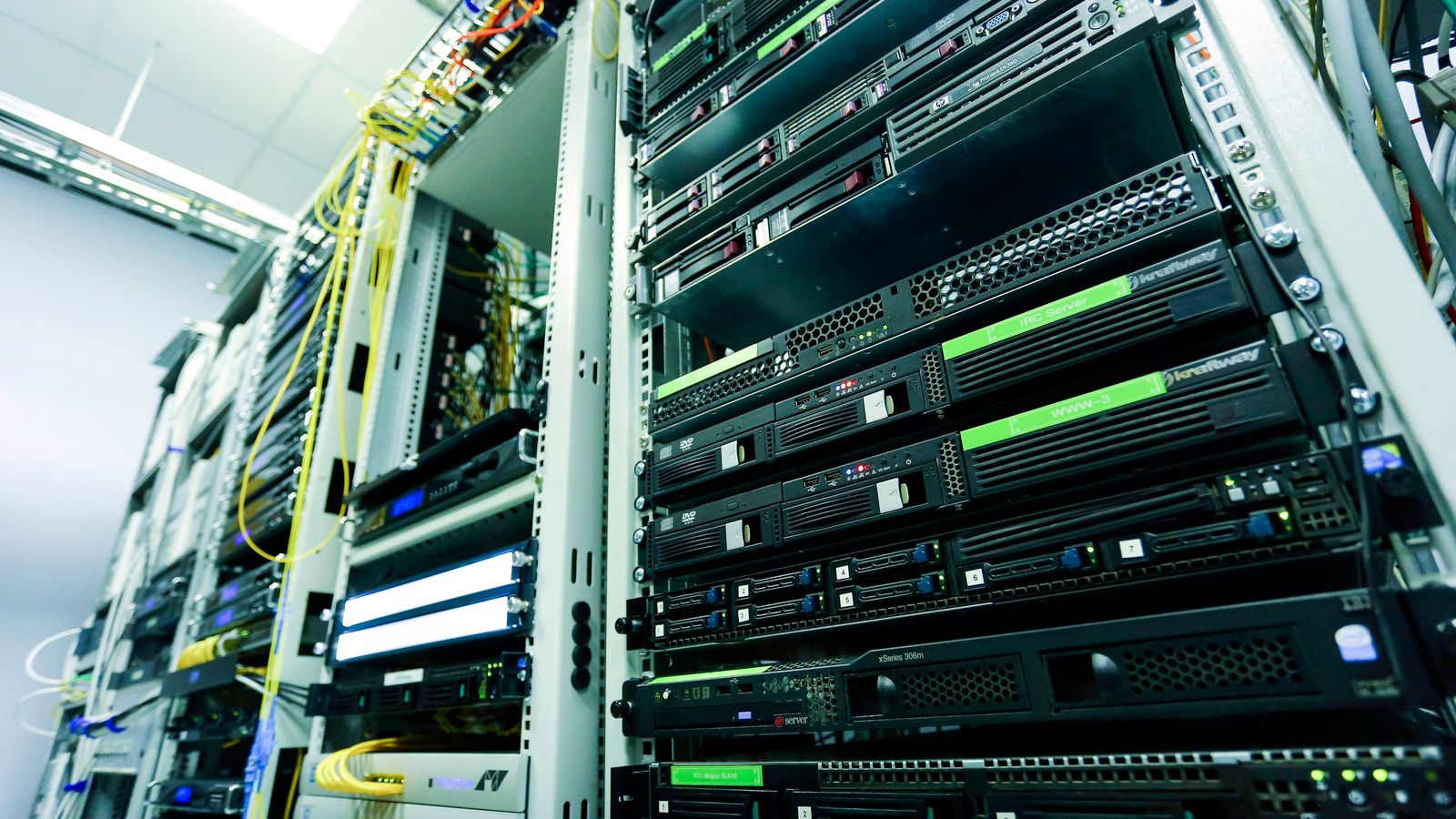
Not every office needs a full-time AV technician. The right model depends on room count, booking intensity, event profile, local IT capacity and the cost of disruption. Options include scheduled visits, shared regional engineers, dedicated onsite staff and event support requested in advance.
A hybrid model can provide remote monitoring and service desk coverage across all sites, with local technicians dispatched when physical work is required.
Roles should be clear. Employees need one support channel, even if several teams work behind it. Local IT may handle simple checks while a specialist manages configuration and vendor escalation. Executive meetings and town halls may have separate preparation procedures.
Define coverage hours, response targets, access arrangements, spare holdings and escalation contacts before an incident. This clarity prevents delays caused by uncertainty over who is authorised or equipped to act.
Manage software, configuration and security
Modern AV environments are software-dependent and network-connected. Room operating systems, conferencing applications, device firmware and control code all change. Managed service teams should maintain a supported version baseline, review release notes, test important updates and schedule deployment with rollback plans.
Uncontrolled updates can create compatibility problems, while delaying every update can expose security and support risk.
Configuration backups should be current, encrypted where necessary and accessible to authorised technicians. Device accounts and remote access must follow corporate identity, logging and least-privilege policies.
Sinoway's 2026 guide to office AV management across China provides a practical framework for portals, update rings, certification tracking, spares and local response. Stable room performance and secure operations are complementary outcomes when change is governed properly.
Measure what users and operators need
Useful managed service measures include room readiness, incident rate, repeat incidents, time to acknowledge, time to restore, first-contact resolution, preventive actions completed and software compliance. Device uptime can support these measures but should not replace them.
Report performance by room type, site and business priority so leaders can see where risk is concentrated. Explain the action being taken, not only the number.
User feedback adds context. A room may show healthy telemetry while employees report difficult controls or poor remote audio. Combine short task-based surveys with ticket and monitoring data, then compare the findings with the principles of simple meeting-room design.
Service reviews should identify trends, decisions and owners: which rooms require design correction, which assets need replacement, and which user guidance should change. A report earns attention when it helps the organisation choose what to do next.
Turn operational data into lifecycle planning
Asset age alone is a weak replacement rule. A better lifecycle plan considers vendor support, software compatibility, failure history, usage, business criticality, security and the availability of spares. Managed service records provide evidence for these decisions.
A five-year-old device that remains supported and reliable may present less risk than a newer product with recurring failures or an approaching platform change.
Maintain a rolling forecast that groups replacements by urgency and opportunity. Coordinate refresh work with office renovations, lease events and wider IT programmes where practical. Standardise replacement designs so one change does not create an unsupported variation.
Early planning improves budgeting and procurement, especially across regional markets with different lead times. Lifecycle management converts service history into a controlled investment plan instead of a series of emergency purchases.
How to move from reactive support to readiness
Begin with an accurate inventory and a baseline assessment of critical rooms, recurring incidents and current responsibilities. Define readiness and service priorities with workplace, IT and business stakeholders. Connect monitoring sources already available, then focus alerts on a small number of actionable risks.
Establish the service workflow, escalation, documentation and reporting before expanding the number of signals. This staged approach produces useful outcomes faster than attempting to monitor everything at once.
Next, introduce targeted preventive maintenance, consistent incident coding and regular service reviews. Use evidence to correct weak room designs, update standards and build a lifecycle roadmap.
Communicate improvements in business terms: meetings protected, repeat failures removed, support demand reduced and investment planned. Proactive managed AV services succeed when users can trust the room without thinking about the service behind it.
Readiness becomes the everyday experience, not a claim made only when the system is installed.
Frequently asked questions
What is included in managed AV services?
Typical services include remote monitoring, health checks, incident response, onsite support, preventive maintenance, software management, reporting, asset records and lifecycle planning.
Is AV monitoring the same as a managed service?
No. Monitoring supplies visibility; a managed service adds priorities, workflows, skilled response, confirmed resolution, reporting and continuous improvement.
How is meeting-room readiness measured?
Measure the ability to complete intended user journeys, supported by device health, incident data, time to restore, repeat failures, software compliance and user feedback.