
Key takeaways
- Choose the collaboration workflow before comparing product features.
- Treat mounting, acoustics, lighting and network readiness as part of the system.
- Validate camera, microphone and touch performance with real users in the real room.
- Plan management, support and lifecycle ownership before regional rollout.
What should a Shanghai office decide first?
An all-in-one collaboration board combines a large touch display, conferencing camera, microphones, loudspeakers and room computing in one physical product. That consolidation can simplify installation and create a consistent meeting experience, but it does not remove the need for design.
The first decision is what people must accomplish: join scheduled calls, present locally, annotate content, run workshops, move the system between spaces or support several meeting platforms.
A capable AV integrator in Shanghai should translate those activities into measurable room requirements before selecting a model. Define the expected occupancy, longest viewing distance, common content, seating layout, collaboration platform, visitor workflow and support model.
This process prevents an impressive board from being installed in a room where the camera angle, touch access or audio coverage does not match how people actually work.
When does an all-in-one board make sense?
Collaboration boards are strongest in small and medium rooms where participants can reach the screen and where a single front-of-room position can provide useful camera and audio coverage. They also suit project rooms, agile team areas and executive spaces that value whiteboarding.
A mobile cart can support flexible rooms, but only when the organisation accepts the practical requirements for power, network connection, cable management, parking and safe movement.
They are less convincing when the room is long, highly reflective, divisible or arranged around several presentation positions. In those spaces, separate cameras, microphones, loudspeakers, displays and control may provide better coverage and easier service.
The same people-first principles used in simple meeting-room design still apply: technology is successful when joining, sharing and recovery are obvious, not when the equipment list is shortest.
Logitech Rally Board 65 as a deployment approach
The Logitech Rally Board 65 product page describes a 65-inch 4K touch display with integrated camera, microphone arrays, loudspeakers, privacy shutter, environmental sensors, HDMI ingest and support for a second display. Logitech specifies 20 touch points and an official microphone pickup range of up to seven metres.
These figures are useful for shortlisting, but they are not a substitute for an acoustic and sightline assessment.
Its camera can be positioned high or low, and the board can be wall-mounted, placed on the included table stand or used with a cart. That flexibility matters because eye line changes the remote experience. A low camera can feel natural for seated discussion, while a higher position may better suit standing collaboration.
The 46-kilogram device weight also makes wall structure, bracket selection, delivery access and safe installation real project requirements rather than accessories to decide later.
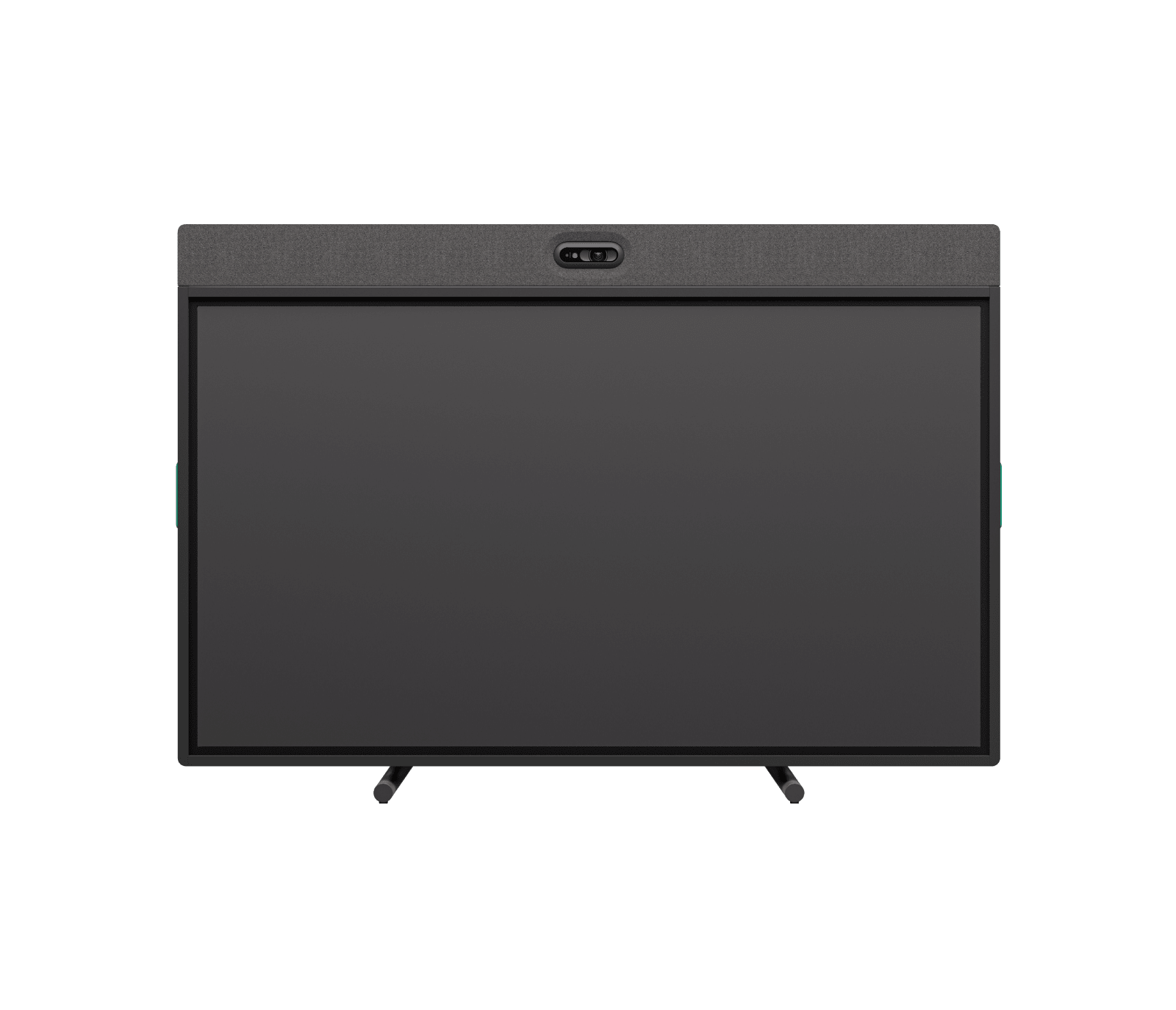
Yealink MeetingBoard Pro as a deployment approach
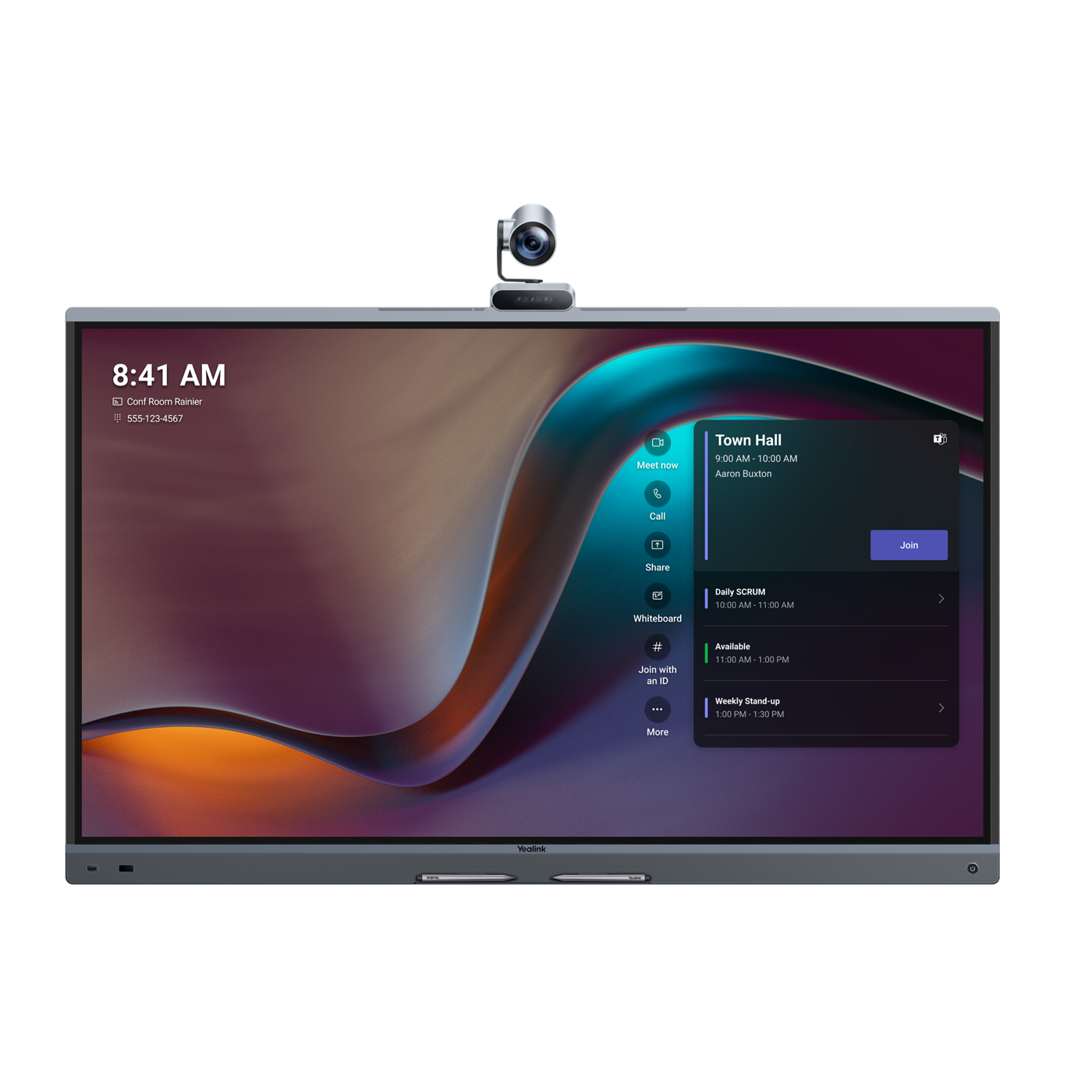
The Yealink MeetingBoard Pro specifications describe 65-, 75- and 86-inch models with a triple-camera system, integrated audio, whiteboard collaboration and Android- or Windows-based Microsoft Teams Rooms options. Yealink also lists native Teams, Zoom and general operating modes, plus a stated full-duplex pickup distance of 12 metres.
The wider size range can help align a product family with several room geometries.
Those capabilities should be evaluated as a complete operating model. A larger screen may improve content visibility but increases mounting load, delivery constraints and the distance between users and touch controls.
A longer stated microphone range does not guarantee intelligibility in a reverberant room or around obstructions. Platform mode affects licensing, account configuration, management and support, so the choice should be governed with IT rather than made from the hardware page alone.
Compare workflows before specifications
Begin comparison with four user journeys: a scheduled room meeting, a laptop-led call, local presentation and collaborative whiteboarding. For each journey, write the exact steps from entering the room to ending the session.
Confirm what happens when a guest uses a different platform, whether USB mode is required, how wireless sharing is governed and how the room returns to its standard state after a laptop disconnects.
Then compare products against those journeys. A feature matters only when it improves a frequent task or reduces operational risk. Twenty touch points may support a workshop, but touch is less important in a room used mainly for executive calls.
Multiple platform modes may offer flexibility, but each mode can introduce different updates and support procedures. A focused proof of concept should measure successful tasks, time to start, remote audio, camera framing and recovery from common mistakes.
Design the room around camera and audio coverage
Camera performance depends on more than resolution. Check the nearest and farthest seats, eye line, backlighting, window exposure and how the image changes when people stand at the board. Automatic framing should be observed during natural conversation, not only demonstrated with one person facing forward.
If the system can be installed in different orientations, test the chosen orientation with the actual furniture before finalising mounting height.
Audio deserves even more attention because remote participants cannot compensate for unclear speech. Review room volume, reverberation, mechanical noise, table shape and the distance to every speaking position. A published pickup distance is measured under conditions that may not match the office.
Acoustic treatment, quieter air handling or a different room layout can improve the result more than selecting a device with a larger distance figure.
Plan mounting, power and access before delivery
A collaboration board is a large, heavy system. Confirm wall construction, mounting pattern, load capacity, service clearances and the route from loading area to room. Lifts, door widths, turning space and building access hours can affect whether the specified product reaches its final position.
Mobile carts need stable floors, locking casters, safe cable paths and a parking location that does not obstruct circulation or emergency egress.
Coordinate power and data outlets with the selected orientation so cables remain short, protected and serviceable. Avoid mounting a board before furniture positions and finished floor levels are known. Provide access for replacement and inspection without dismantling architectural finishes.
These details are part of professional audiovisual integration because they determine safety, appearance and the time required to restore service when a component needs attention.
Treat network and platform readiness as design work
Room appliances depend on identity, licensing, network paths, time services, certificates, platform administration and software updates. IT teams should confirm wired and wireless policy, proxy requirements, VLAN design, firewall rules, device enrolment and room-account ownership before commissioning.
A board that works on a temporary network during installation is not ready until it operates through the approved production controls.
Certification and firmware status can change during a project, so verify the current platform directory and supported release at procurement and again before handover. Record the approved baseline and the process for updates.
For organisations operating several offices, connect these decisions to regional AV standards across Asia so local deployments follow one governance model while allowing documented exceptions for building and market conditions.
Build support and lifecycle ownership into the standard
All-in-one does not mean maintenance-free. Assign ownership for room accounts, device management, firmware review, warranty, spares, incident triage and onsite response. Decide how users request help and what information support teams can see remotely.
Keep installation drawings, serial numbers, configuration records and mounting details with the room asset so a technician can act without repeating discovery.
A managed platform can reveal device and software status, but operational value comes from people responding to that information. Link the rollout to managed AV services in China when offices need central monitoring with local action. Track room readiness, repeat incidents, failed starts and user feedback.
These measures show whether the selected board is producing a dependable experience after the launch presentation is over.
How should an AV integrator run the pilot?
Pilot the intended room type, not a board placed temporarily in an open office. Use the planned furniture, network, room account and mounting height. Invite frequent users, occasional users, IT support and remote participants.
Test scheduled joining, guest presentation, platform switching, whiteboarding, content readability, microphone coverage, camera framing, privacy controls and the recovery path after deliberate connection or account failures.
Document decisions and unresolved risks, then update the room standard before wider procurement. A Shanghai pilot should also test local delivery, installation, account provisioning and support escalation because these activities repeat across a China rollout.
When the evidence is positive, standardise the complete solution: device, mount, room conditions, network configuration, user journey, support process and acceptance test. That is how an audiovisual company in Shanghai turns a product choice into a repeatable workplace system.
Frequently asked questions
What is an all-in-one collaboration board?
It is a large touch display that integrates room computing, camera, microphones and loudspeakers for video meetings, presentation and digital whiteboarding.
Is a 65-inch collaboration board suitable for every meeting room?
No. Suitability depends on viewing distance, occupancy, seating geometry, touch access, camera coverage, acoustics and the size of content people must read.
Should a Shanghai office choose Android or Windows Teams Rooms?
Choose the platform architecture with IT after reviewing required workflows, certified features, management, licensing, security policy and the organisation’s support capability.
Can a mobile collaboration board replace several meeting rooms?
A mobile board can serve flexible spaces, but it still needs safe movement, reliable power and network access, an agreed parking location and a repeatable setup process.
Why use an AV integrator for an all-in-one board?
An AV integrator validates the room, mounting, acoustics, camera, network, platform, commissioning and support conditions that determine whether the product works as a dependable system.